






The system
Benchmarks measured from 385 curator-featured projects across seven Behance galleries, a 1400 px slide grid, capture and export tools, neutral slide layouts, and an annotation layer where you pin a comment on a slide.
Free kit by UDL
BX is a free kit for Claude, Codex or ChatGPT. It takes a finished project through four steps, from the first questions to the text you paste into Behance, and it checks your slides against numbers measured from 385 featured Behance projects.
The kit needs a free UDL account. The checklist needs nothing.
Works with the tools you already use
Product names and logos belong to their owners. UDL is not affiliated with them.
Made for your field
Made with BX
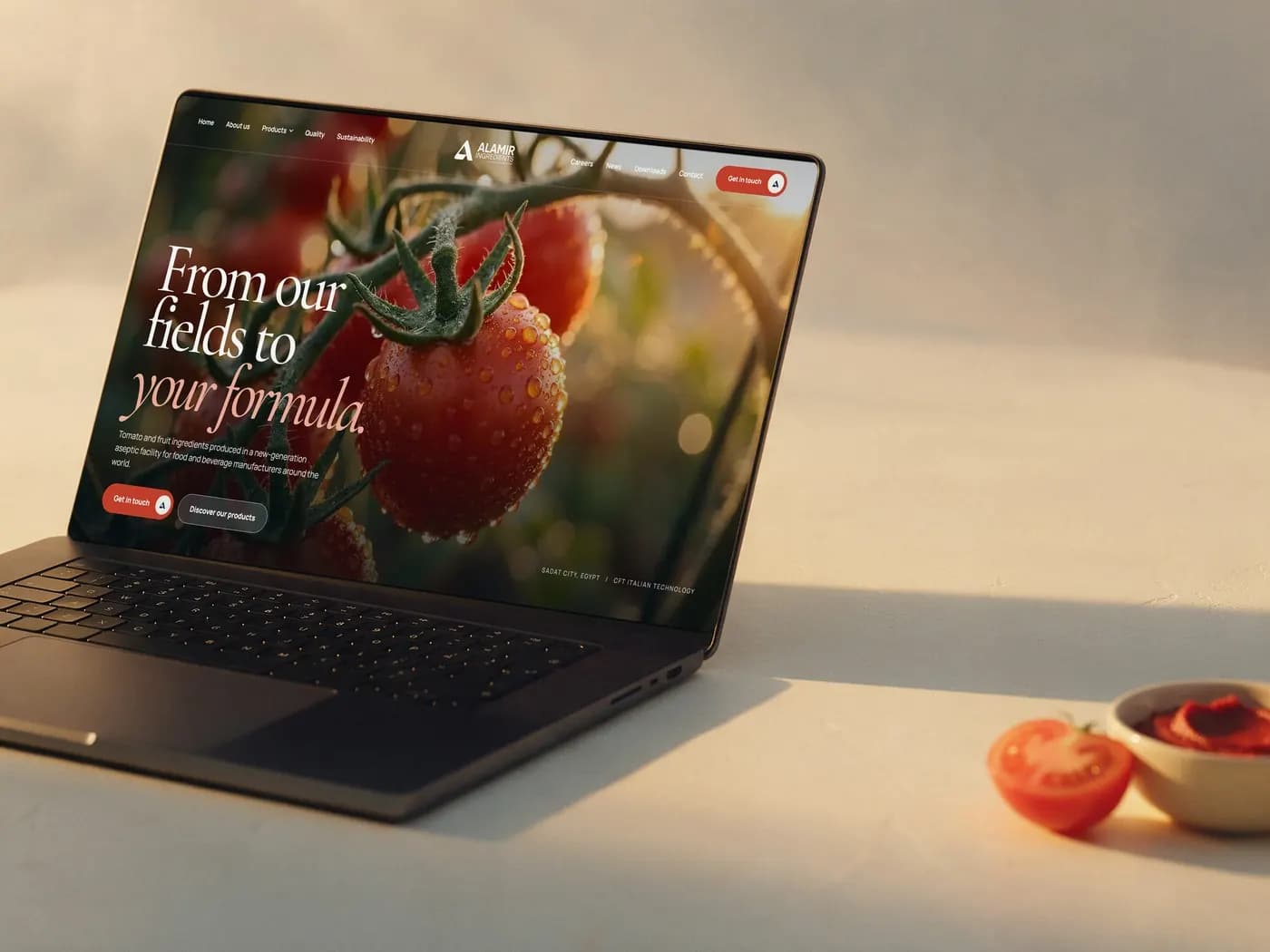
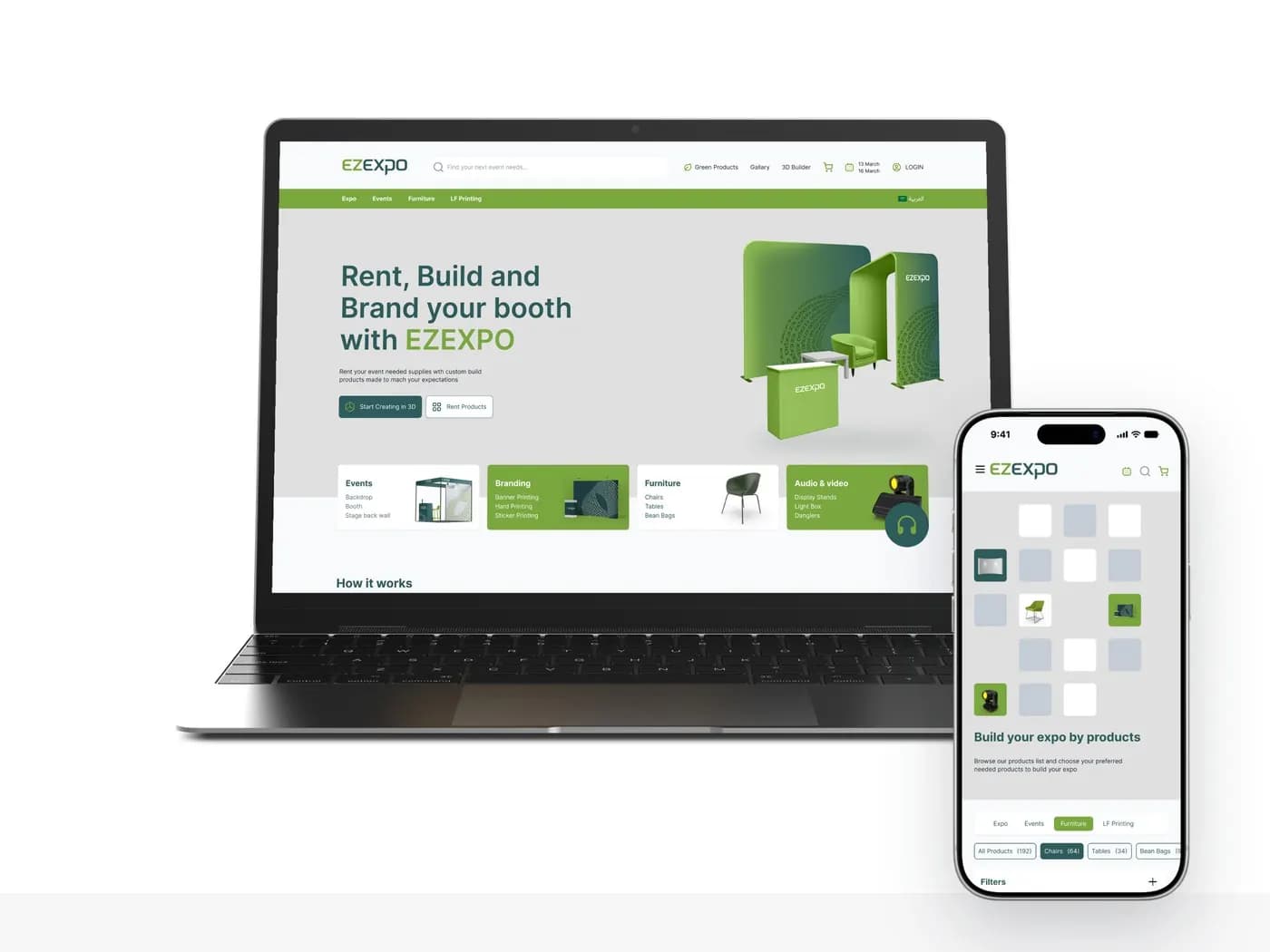
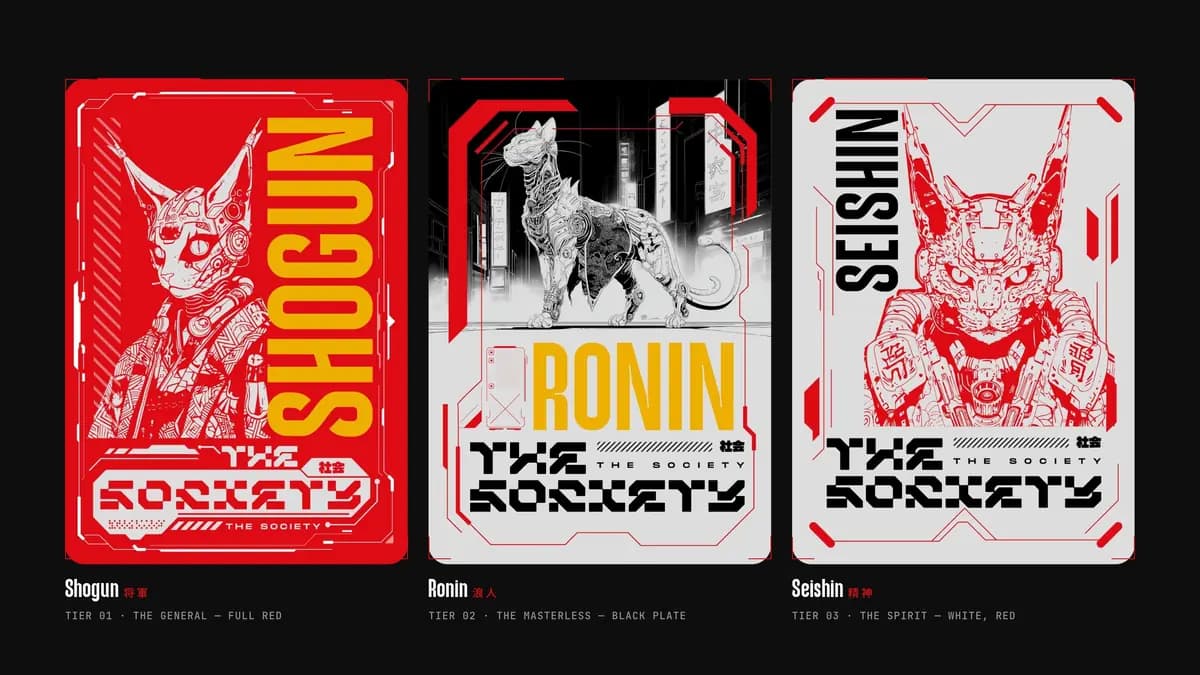
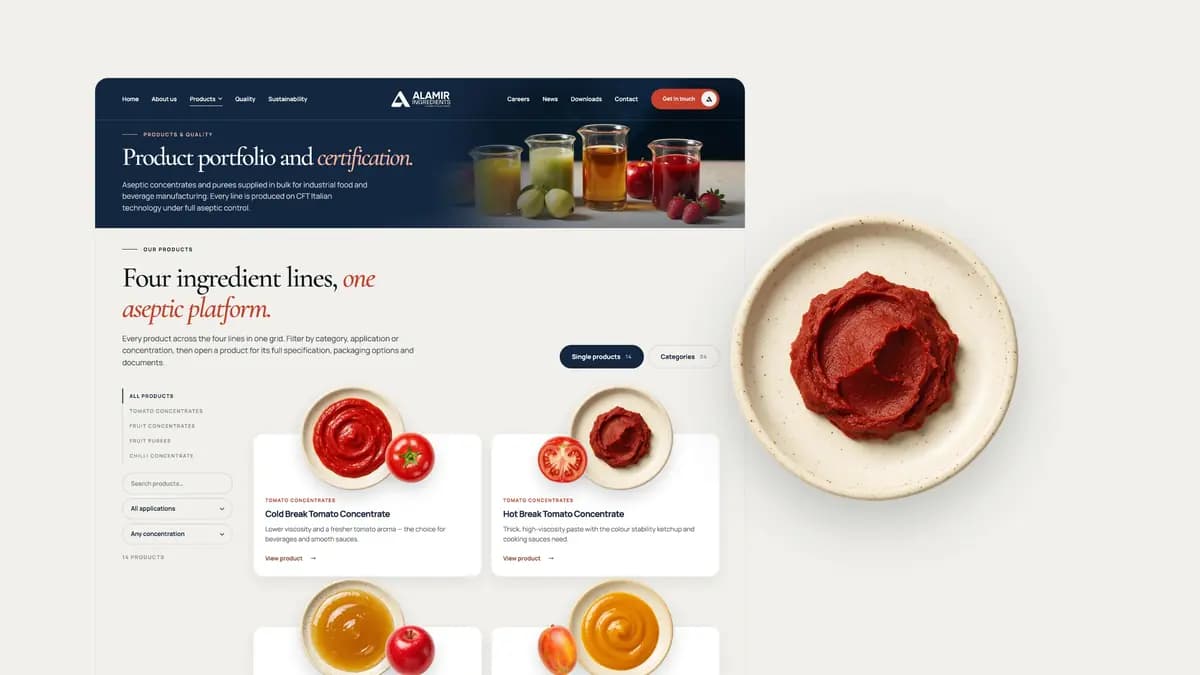
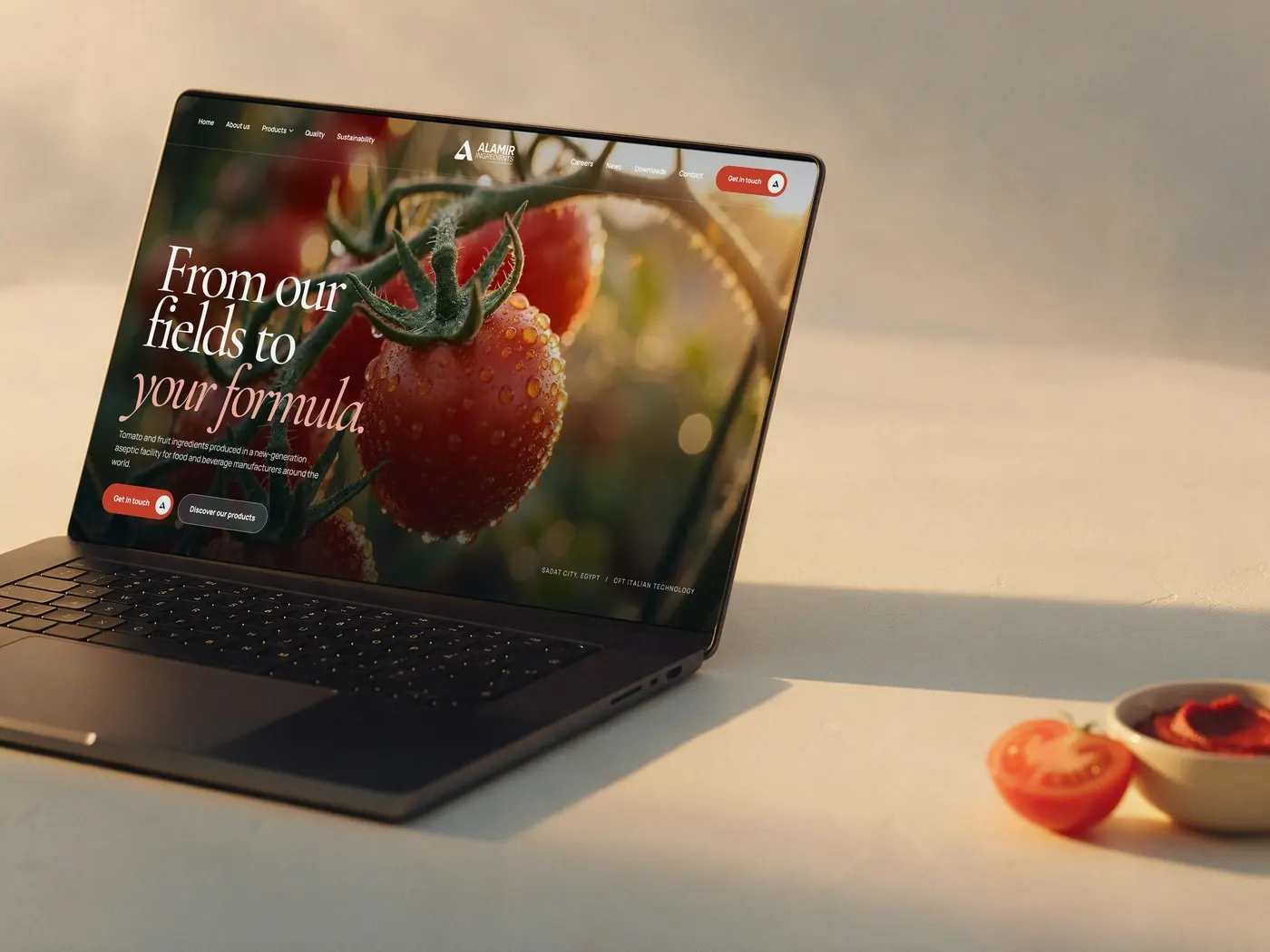
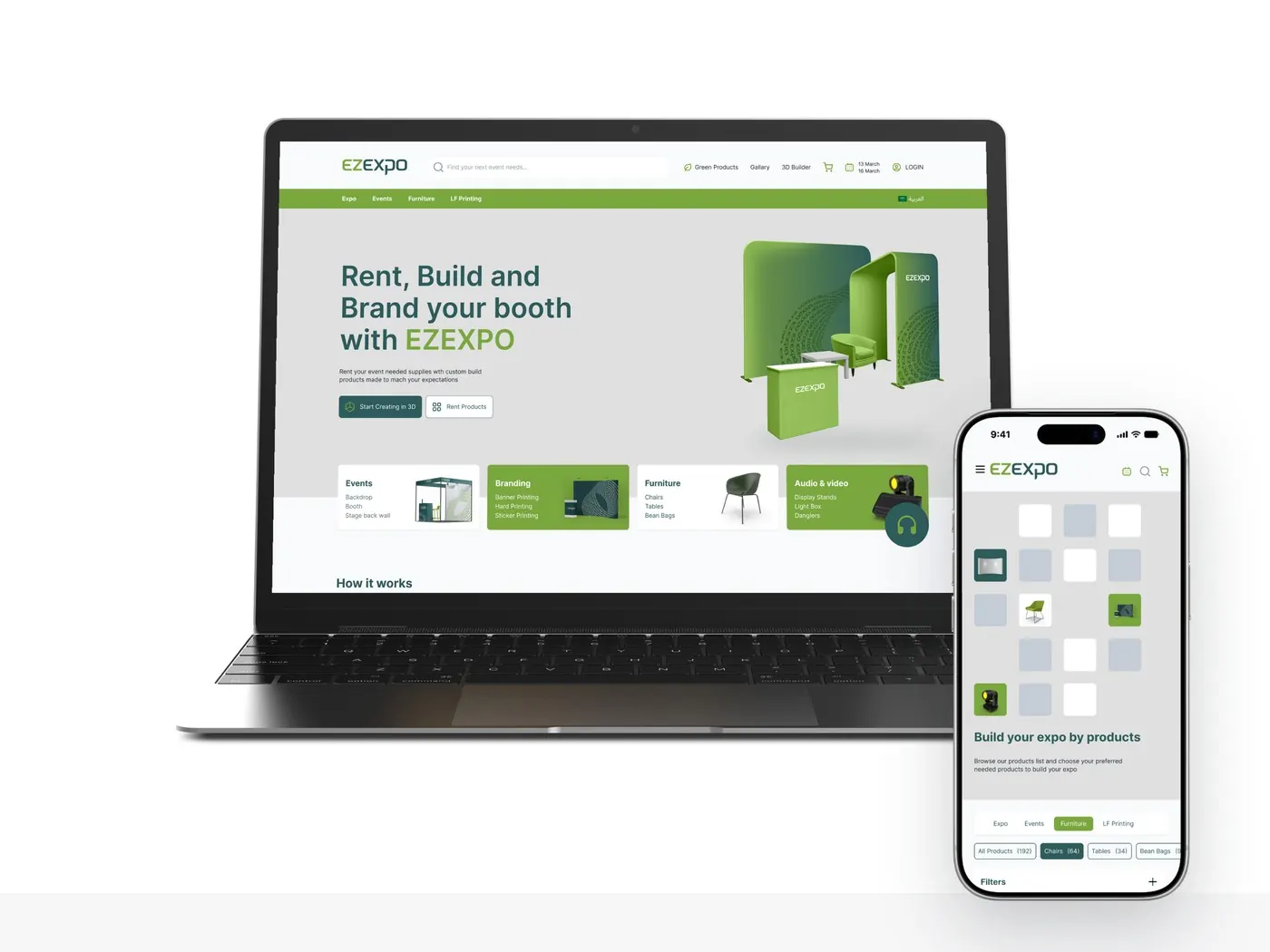
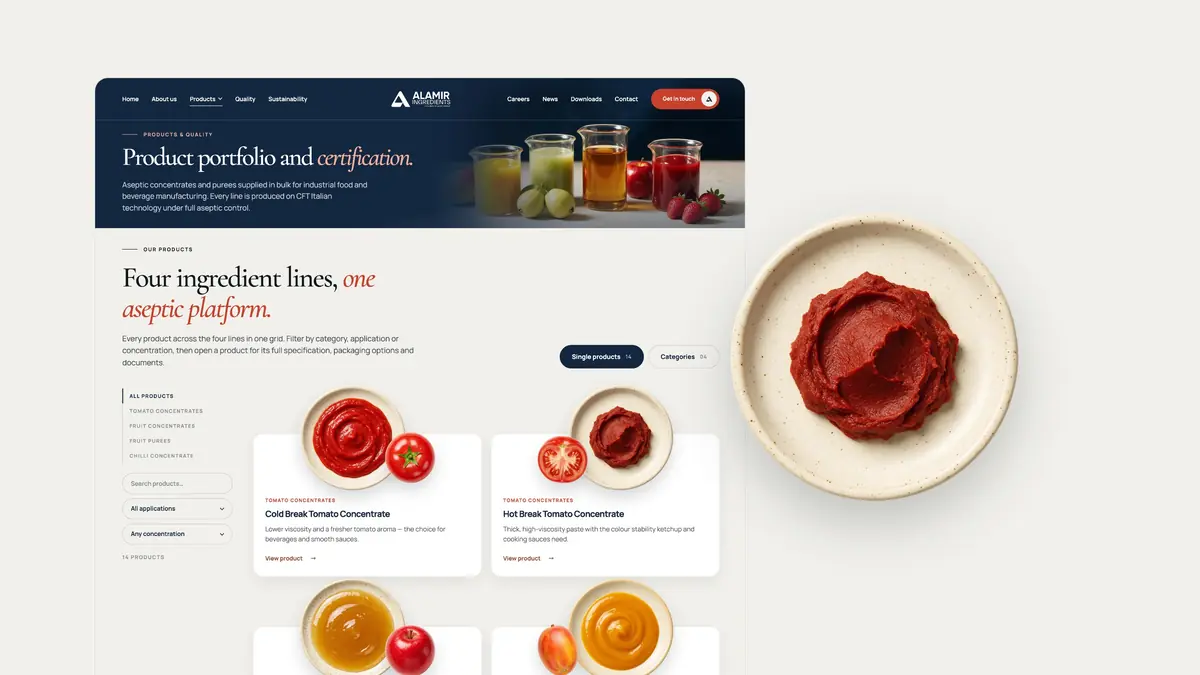
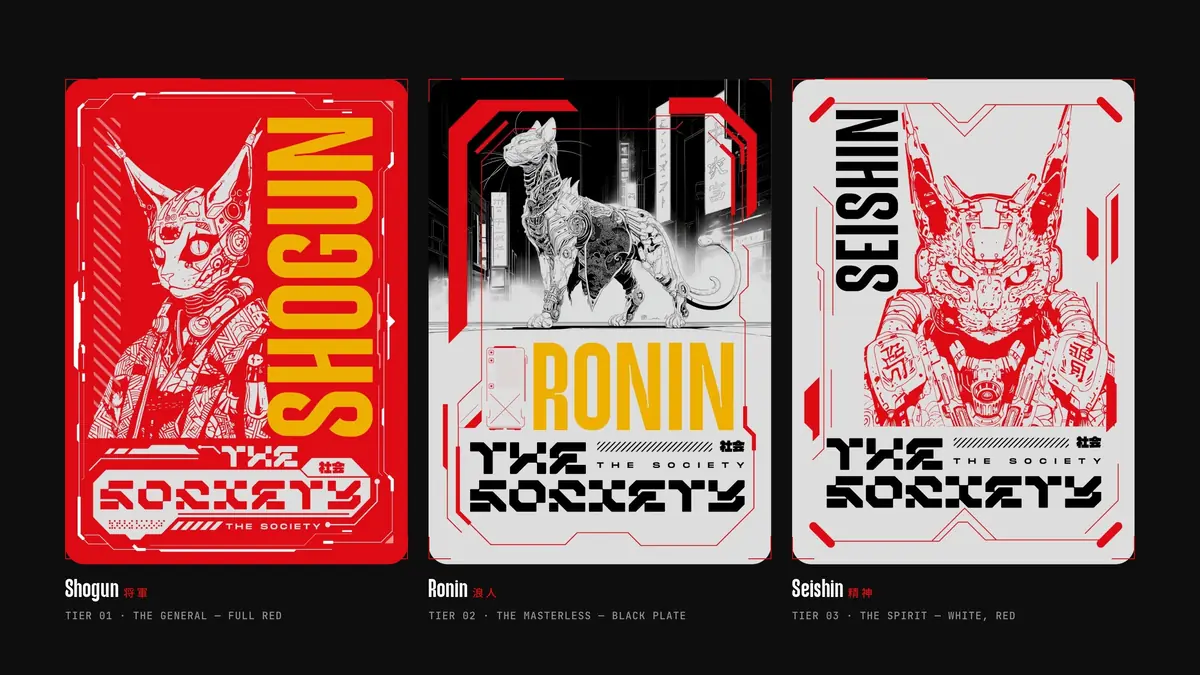
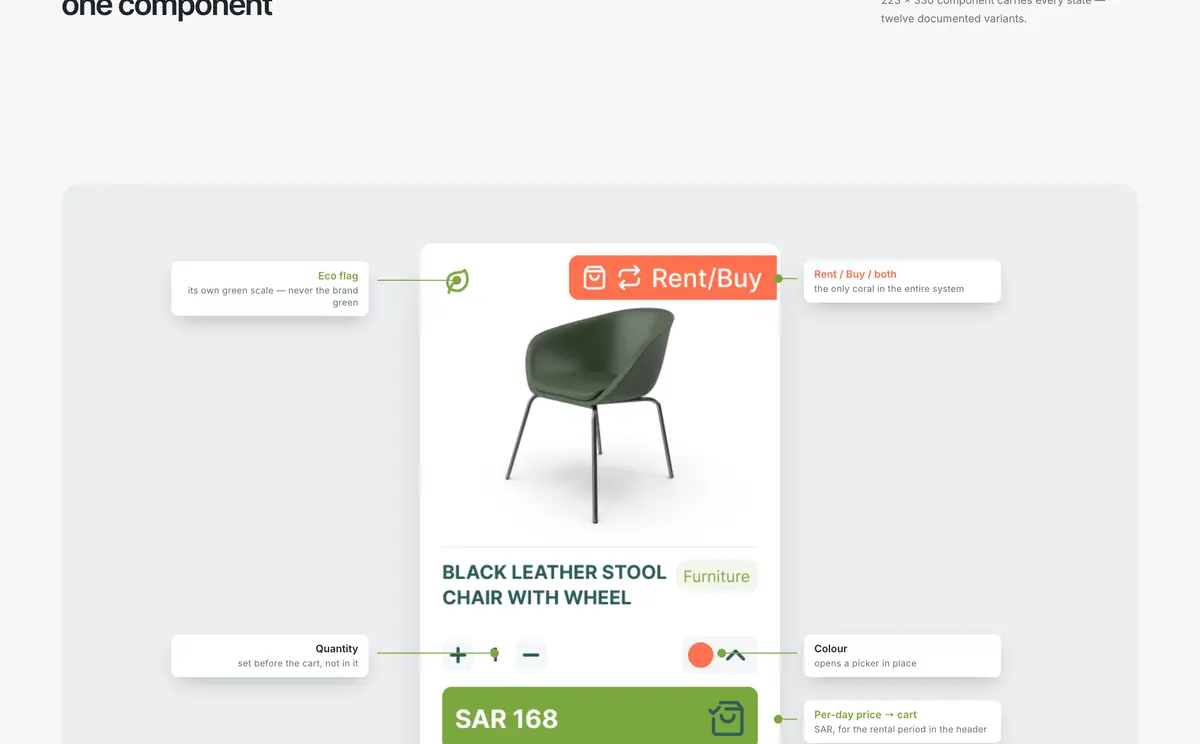
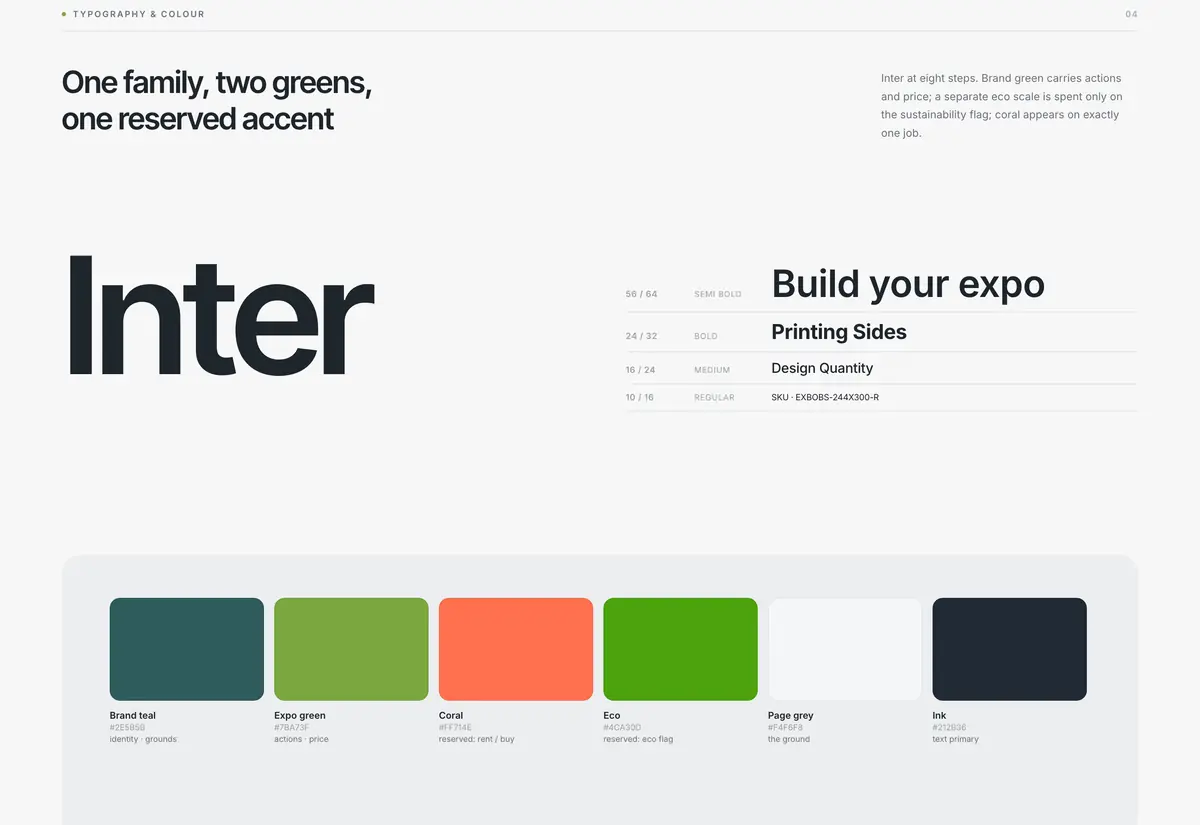
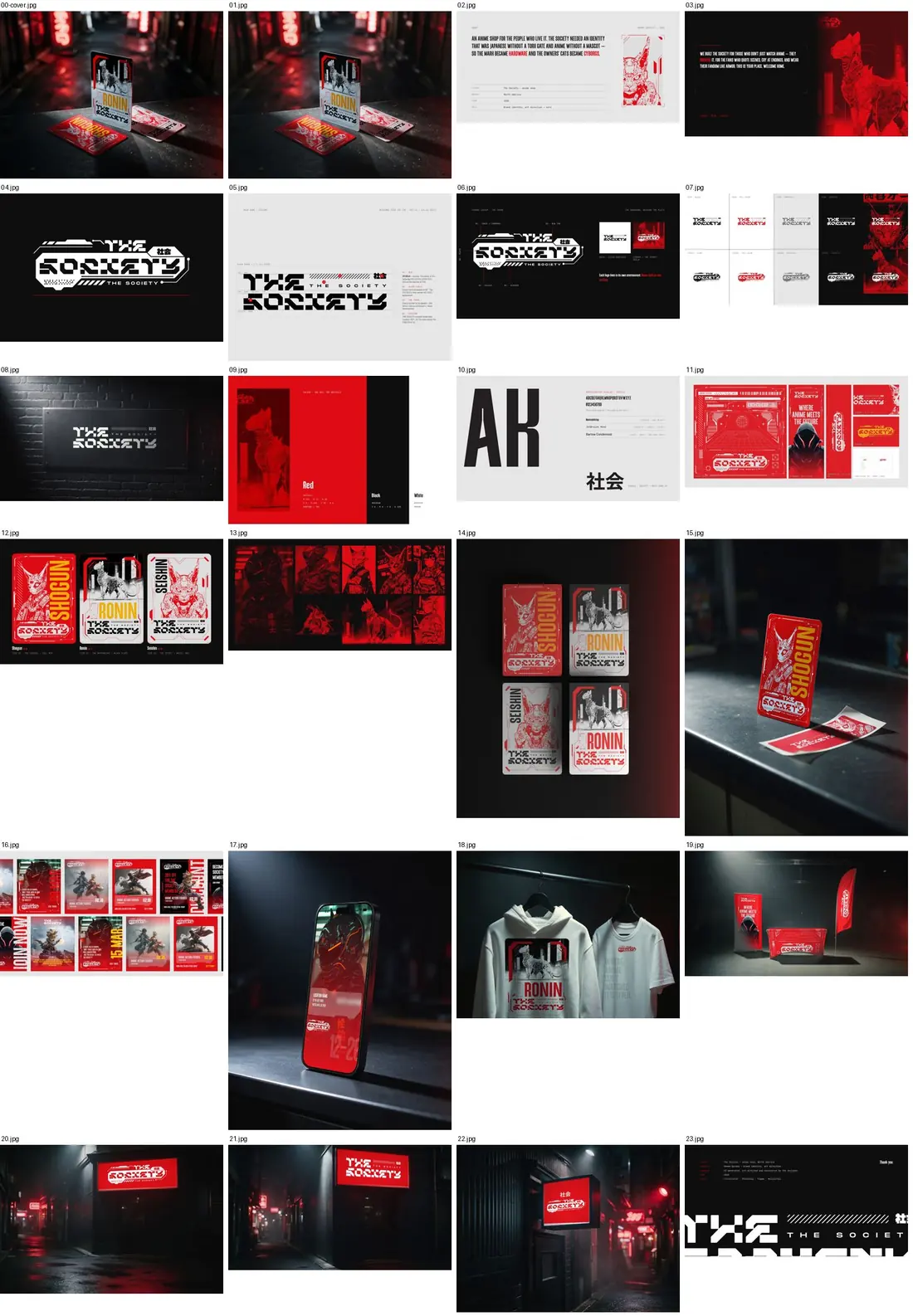
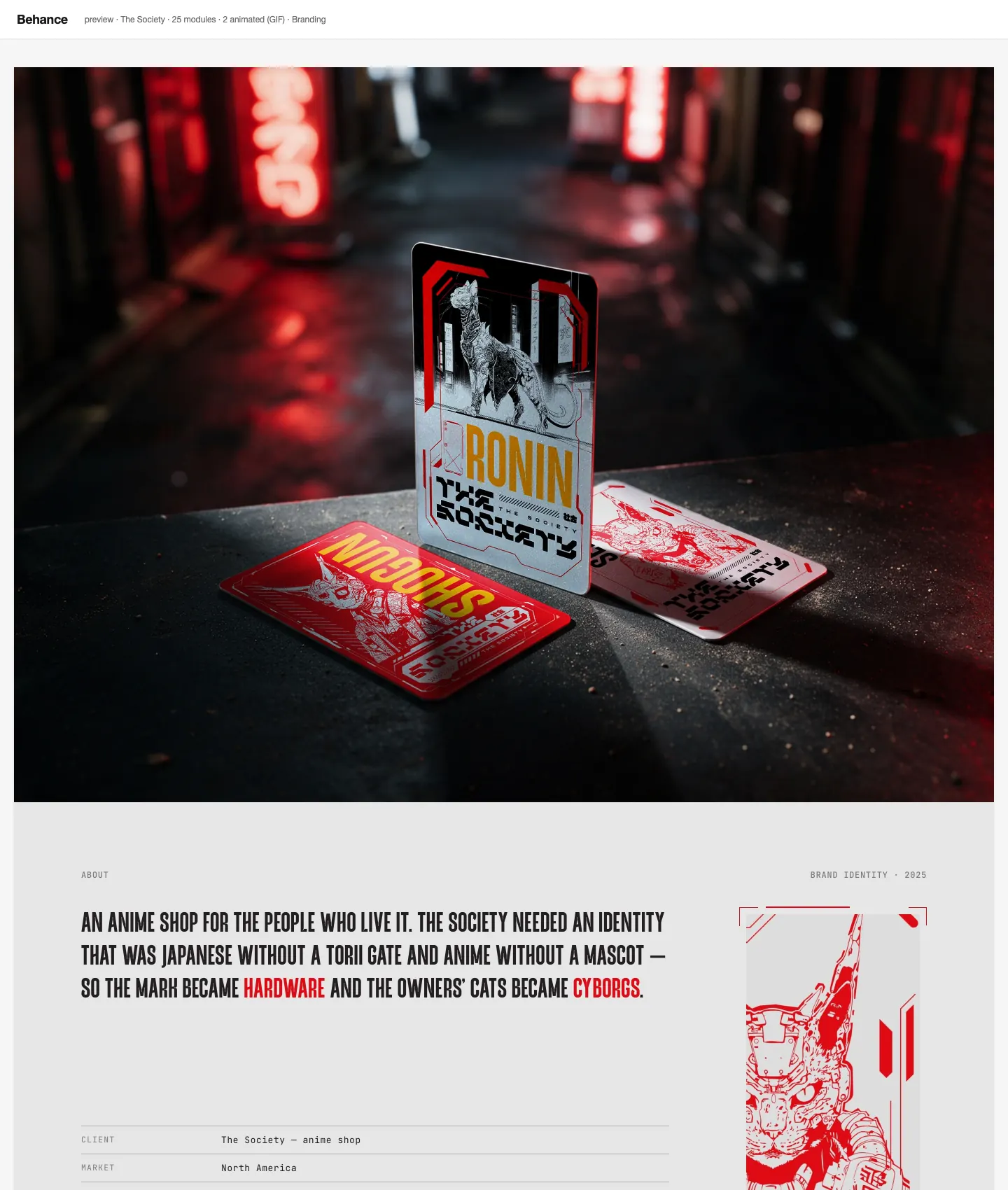
These are real projects that went through the same four steps. Every image below is a slide from the finished deck.
How it works
You answer questions about the project. The kit proposes a direction and a list of sections. You approve the sections before anything is built.
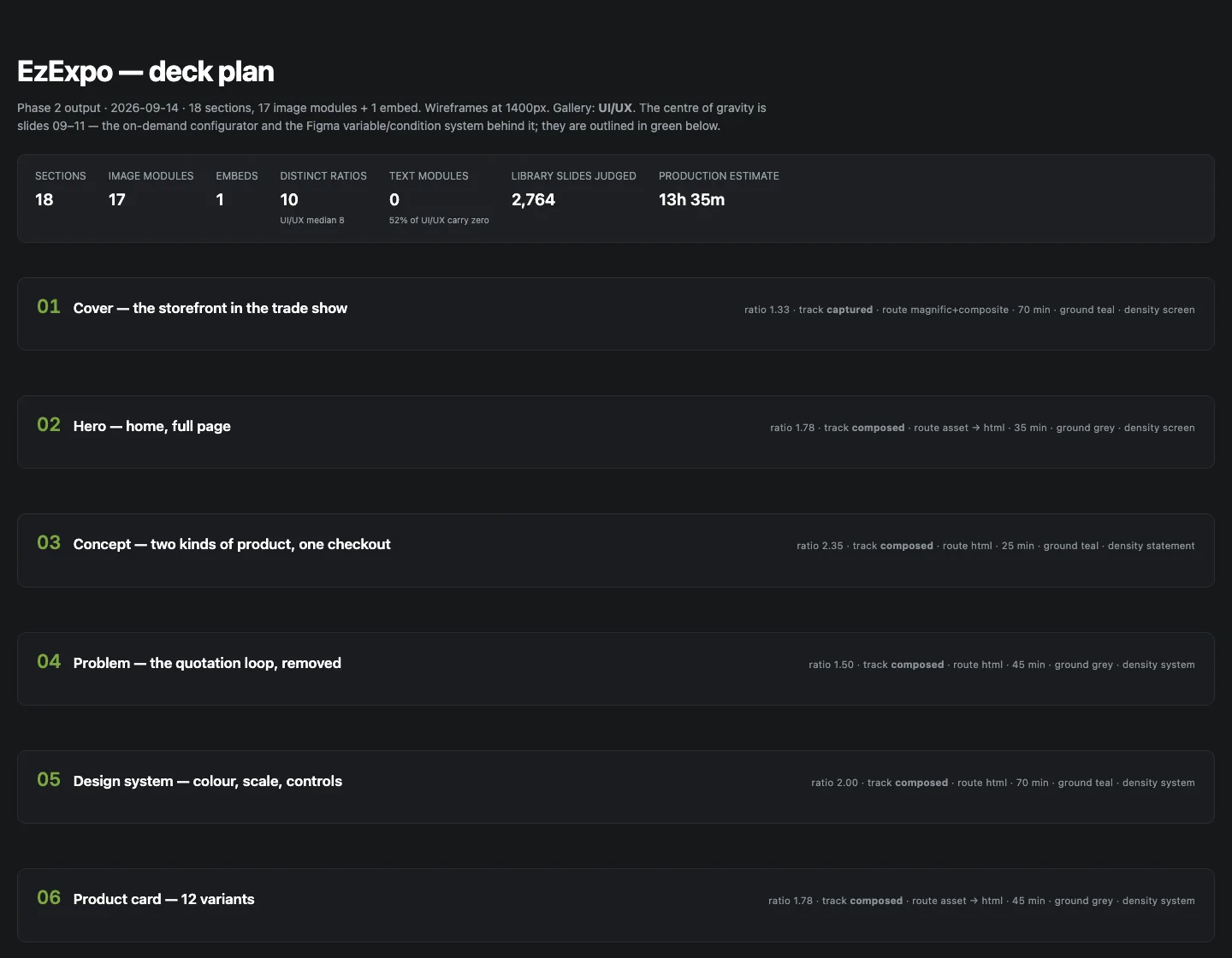
Every slide is wireframed and compared with references, then written down as a spec. You approve the plan.
Slides are built from your own assets, your mockups, free resources or HTML. Then comes a quality check against the benchmarks, your pinned comments, and a final review before the export at 2800 px.
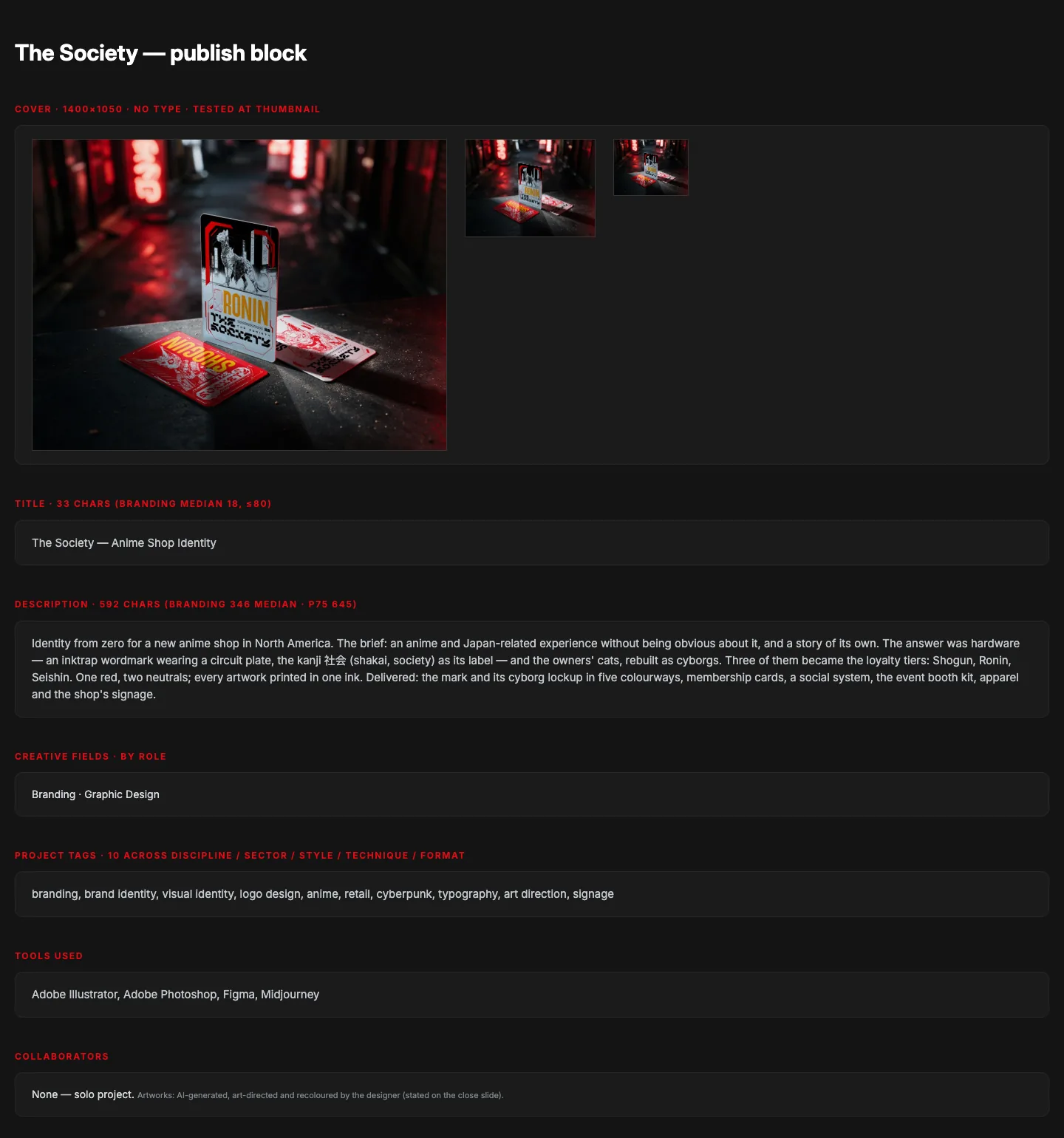
Title, description, tags, alt text and upload settings come as one block to paste. After publishing, you decide what is worth keeping for your next project.
What is inside
Pick the edition that matches the tool you already use. They share the same rules, the same four steps and the same project folder layout.
Benchmarks measured from 385 curator-featured projects across seven Behance galleries, a 1400 px slide grid, capture and export tools, neutral slide layouts, and an annotation layer where you pin a comment on a slide.
Skills and /bx- commands that run the whole workflow and keep the state of each project in a folder. Add Claude in Chrome if you want it to look at Behance live.
The same scripts and state files, driven by AGENTS.md, skills and prompts. A Playwright MCP server lets it browse.
Instructions and knowledge files for a Custom GPT. It plans, writes the slide specs, checks the work and drafts the publish text. It cannot run scripts on your computer, so the production steps come as a checklist you run yourself.
A project state file, a deck plan example and a publish block, so every presentation starts from the same folders.
Build animated slides and embeds with CSS, GSAP or Lottie. A page that exposes a seek function is recorded frame by frame and assembled to MP4 and GIF.
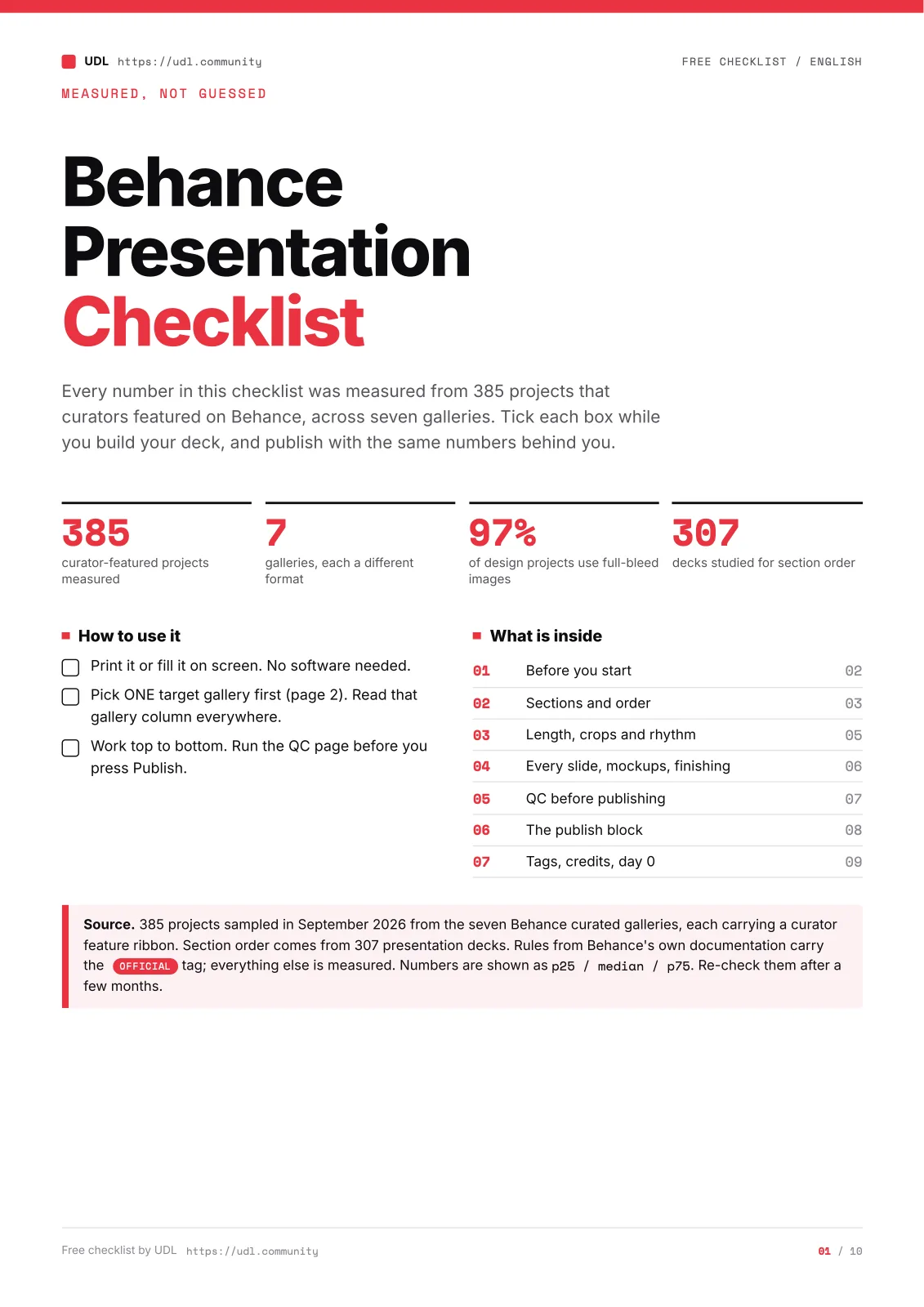
A printable PDF for the last look before you publish, in English and in Arabic. It is also available without the kit.
No account needed
One printable page of the checks that decide whether a presentation reads as finished: cover, slide rhythm, crops, tags and metadata. Use it with the kit or on its own.
Direct download. No sign-up, no email.
Who it is for
You finished a project and the Behance presentation is the part you keep postponing.
You post on Behance for clients or for hiring, and want a clear method instead of starting from a blank board each time.
You already work with Claude, Codex or ChatGPT and want them to follow a design process rather than guess.
Not for you if
You want a button that generates a presentation from nothing. BX asks for your real work and stops for your approval three times.
Requirements
You need an account with at least one of Claude, ChatGPT or Codex. The kit does not include any of them.
They run scripts on your computer: Python 3.10 or newer, Node.js 18 or newer and ffmpeg, about 400 MB of disk. macOS and Linux work directly. Windows works through WSL.
No terminal needed. You set up a Custom GPT with the files from the kit. Check that your ChatGPT plan lets you create one.
If you want the assistant to look at Behance for you, use Claude in Chrome or ChatGPT agent mode. Without one, you paste links and screenshots yourself.
The kit works without any of them. If you already have a subscription to one, it shows up as an extra route for a slide. The kit never buys or signs in for you.
Product names, features and plans change. Check each product's current documentation before you rely on a feature.
Questions
Yes, v2 adds them. Today the kit works with the tools listed under Works today.
Yes. The kit and the checklist cost nothing and there is no card to enter.
For the kit, yes: a free account, any tier. You sign up, confirm your email, and the download starts. The checklist PDF needs no account.
The sign-up form has a box for UDL news and design tips. It is unticked and separate. Leave it unticked and you still get the kit.
The one for the tool you already use. If you have no terminal habit, take the ChatGPT edition. If you want the scripts, the recordings and the annotation layer, take Claude Code or Codex.
No. It asks for your assets and your decisions, builds with you, and checks the result. You approve the sections, the plan and the final slides.
Through WSL, yes. The install notes in the kit explain the steps.
UDL is a community and a curriculum for designers who work across more than one discipline. A free account lets you read the community, save posts and use the free resources.